YouTube SEO Checklist: How to Optimise Videos for More Views
YouTube SEO helps people find your videos when they search for topics related to your content. It involves choosing the right title, creating an attractive thumbnail, writing a useful description and making videos that people want to watch.

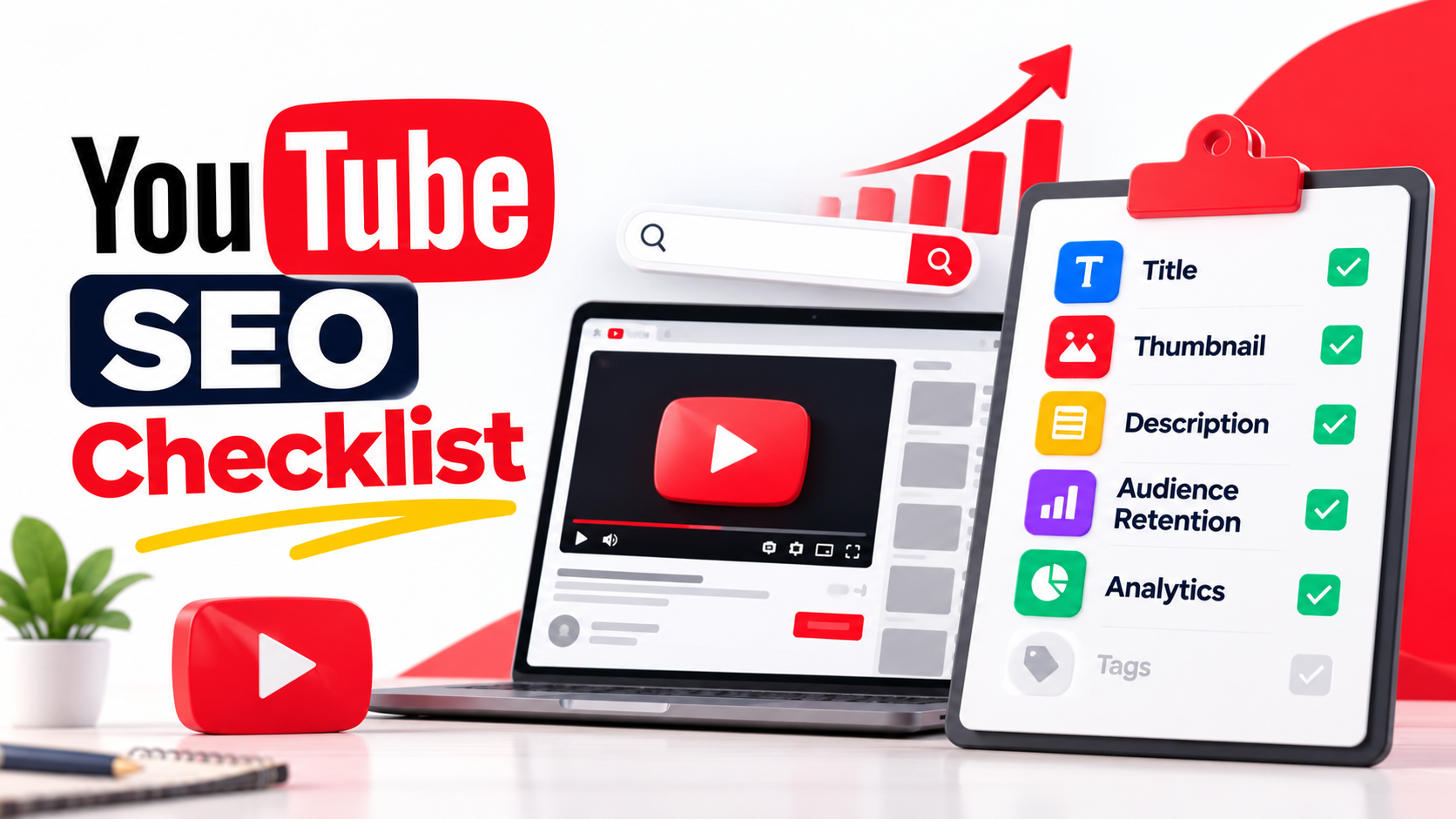
However, adding keywords to every part of a video does not guarantee more views. YouTube considers how relevant a video is to a search, how viewers respond to it and whether it satisfies their interests.
If you want to improve your video's visibility, use this YouTube SEO checklist before and after publishing.
What Is YouTube SEO?
YouTube SEO is the process of improving your videos and channel so viewers can discover your content through YouTube Search and other discovery features.
For example, if you publish a video about the best smartphones under ₹20,000, you want people searching for budget smartphones to find your video.
You can improve its chances by using an accurate title, explaining the topic clearly, creating a relevant thumbnail and delivering the information viewers expect.
YouTube SEO Checklist Before Publishing
1. Find the Right Keywords
Start by understanding what your target audience searches for on YouTube.
Search for your topic on YouTube and look at the suggested searches and videos already ranking for similar queries. You can also use YouTube Studio's Research features, where available, to explore what viewers are searching for.
Choose a phrase that closely matches your video.
For example:
- YouTube SEO checklist
- How to grow a YouTube channel
- Best smartphones under ₹20,000
- How to edit videos on mobile
Do not choose a keyword only because it has high search volume. Make sure you can create a video that answers the searcher's question.
2. Write a Clear Video Title
Your title should explain what the video offers and give viewers a reason to watch it.
Include your main keyword naturally when it fits the topic. Keep the title accurate and avoid promises that the video cannot fulfil.
For example:
Better title: YouTube SEO Checklist for Beginners: 10 Things to Check Before Uploading
Poor title: This Secret YouTube Trick Will Give You 1 Million Views Overnight!
The second title makes an unrealistic promise. Misleading titles can disappoint viewers and violate YouTube policies.
3. Create an Attractive Thumbnail
Your thumbnail is one of the first things people see when your video appears in search results or recommendations.
Use a clear image, readable text and a design that makes the topic easy to understand, even on a mobile screen.
Follow these tips:
- Use a high-quality image.
- Keep text short and easy to read.
- Use colours that stand out without making the design cluttered.
- Make the thumbnail relevant to the actual video.
- Avoid copying another creator's thumbnail.
If your channel has access to YouTube's thumbnail testing feature, use it to compare different versions and learn which one performs better.
4. Write a Useful Video Description
The description helps viewers understand what your video covers. It also gives YouTube additional information about the content.
Write a few natural sentences explaining the video. Include your main keyword where relevant, especially near the beginning, without repeating it unnecessarily.
You can also add relevant links, useful resources and chapter timestamps when appropriate.
Avoid filling the description with unrelated keywords or repeating the same phrases to manipulate search results.
5. Add Relevant Tags
Tags can help YouTube understand certain details about your video, particularly when a word or phrase is commonly misspelled.
However, YouTube states that tags play a minimal role in video discovery. Your title, thumbnail, description, video content and viewer response deserve more attention.
For a video about YouTube SEO, relevant tags might include:
- YouTube SEO
- YouTube SEO checklist
- Video optimisation
- YouTube tips for beginners
Use only tags that accurately describe your video. Adding dozens of unrelated tags is not a reliable way to gain views.
6. Make the Opening of Your Video Strong
The first few seconds should tell viewers what the video is about and why it is worth watching.
Avoid long introductions that delay the main topic. Start with the problem, the promised information or a useful example.
For example, a video about YouTube SEO could begin by showing the most common mistakes creators make when uploading videos.
Your opening should match the title and thumbnail. If viewers click expecting one thing but receive something different, they may leave quickly.
7. Improve Video Quality and Audience Retention
A well-optimised video still needs to keep viewers interested.
Organise the information logically, remove unnecessary pauses and use examples that make the topic easier to understand.
Check YouTube Analytics to see where viewers stop watching. If many viewers leave during the introduction, consider making it shorter or explaining the value of the video earlier.
There is no single ideal video length for every topic. Make the video as long as needed to cover the subject properly.
YouTube SEO Checklist Before You Publish
Use this quick checklist every time you upload a video.
- The video answers a clear audience need.
- The topic and target search phrase are relevant.
- The title is clear, interesting and accurate.
- The thumbnail is readable and matches the video.
- The description explains what viewers will learn.
- Tags are relevant and used only where helpful.
- The opening delivers on the title's promise.
- The video has clear audio and suitable visual quality.
- Chapters are added when they help viewers navigate the video.
- The correct audience setting and other required upload settings are selected.
- The video has been checked for spelling mistakes, broken links and misleading information.
YouTube SEO Checklist After Publishing
SEO does not end when you click the Publish button. Review your video's performance and use the data to improve future uploads.
1. Check Impressions and Click-Through Rate
Impressions show how often YouTube displayed your thumbnail in eligible places. Impressions click-through rate (CTR) shows how often viewers watched after seeing those impressions.
A low CTR may indicate that the title or thumbnail needs improvement, but results depend on the audience, traffic source and where the video appears.
Do not judge a video using CTR alone.
2. Review Audience Retention
Audience retention shows how much of your video people watch and where they stop watching.
Look for sudden drops and sections that keep viewers interested. Use these findings to improve your editing, pacing and presentation.
3. Check YouTube Search Traffic
Open YouTube Studio and review the Reach or Content analytics reports available for your video.
Check which search terms bring viewers to your content. You may discover related questions that deserve their own videos.
4. Improve Underperforming Videos Carefully
If a video receives impressions but few clicks, consider testing a more suitable title or thumbnail.
If people click but leave quickly, review the introduction and whether the video delivers what the title promises.
Changing metadata does not automatically improve rankings. Any improvement depends on how viewers respond to the updated presentation.
Common YouTube SEO Mistakes to Avoid
Avoid these mistakes when optimising your channel:
- Keyword stuffing: Repeating the same keyword unnaturally in titles and descriptions.
- Misleading thumbnails: Showing something the video does not contain.
- Ignoring viewer retention: Focusing on clicks while overlooking whether people keep watching.
- Chasing tags: Spending too much time on tags instead of improving the content.
- Copying competitors: Using another creator's strategy without understanding your own audience.
- Expecting instant results: Assuming every video will rank or become popular immediately.
- Changing everything at once: Making multiple changes without checking which ones may have helped.
Frequently Asked Questions
Does YouTube SEO help videos get more views?
YouTube SEO can help the right viewers discover your videos through search. However, it cannot guarantee views because competition, viewer interests, relevance and audience response also affect performance.
Are tags important for YouTube SEO?
Tags have a minimal role in discovery and are particularly useful for common spelling variations. Focus first on accurate titles, thumbnails, descriptions and useful video content.
How long does YouTube SEO take to work?
There is no fixed timeline. Some videos can attract search traffic quickly, while others take longer to gain visibility. Results depend on the topic, competition and how viewers respond.
Should I put my main keyword in the title?
Use your main keyword in the title when it naturally describes the video. The title should help viewers understand the content, not simply repeat a search phrase.
Does uploading daily improve YouTube rankings?
Not necessarily. YouTube says it has found no correlation between the time between uploads and view growth. A sustainable publishing schedule that allows you to make useful videos is more sensible than uploading daily at the expense of quality.
Final Thoughts
A good YouTube SEO checklist helps you follow a consistent process instead of guessing what to do before every upload.
Start with a topic your audience cares about, create an accurate title and thumbnail, explain the video clearly, and focus on keeping viewers interested. After publishing, use YouTube Analytics to understand what worked and what needs improvement.
Remember that SEO is not just about helping YouTube understand your video. It is also about helping the right people find it and giving them a reason to keep watching.
Spotted an error? Read our Editorial Policy or contact us.